Brand Kit and instructor profile
Enter it once and it flows automatically into all your pages, emails, presentations, certificates, and ads.
The Brand Kit is the single source for everything produced on the platform: Settings › Account › Brand Kit.
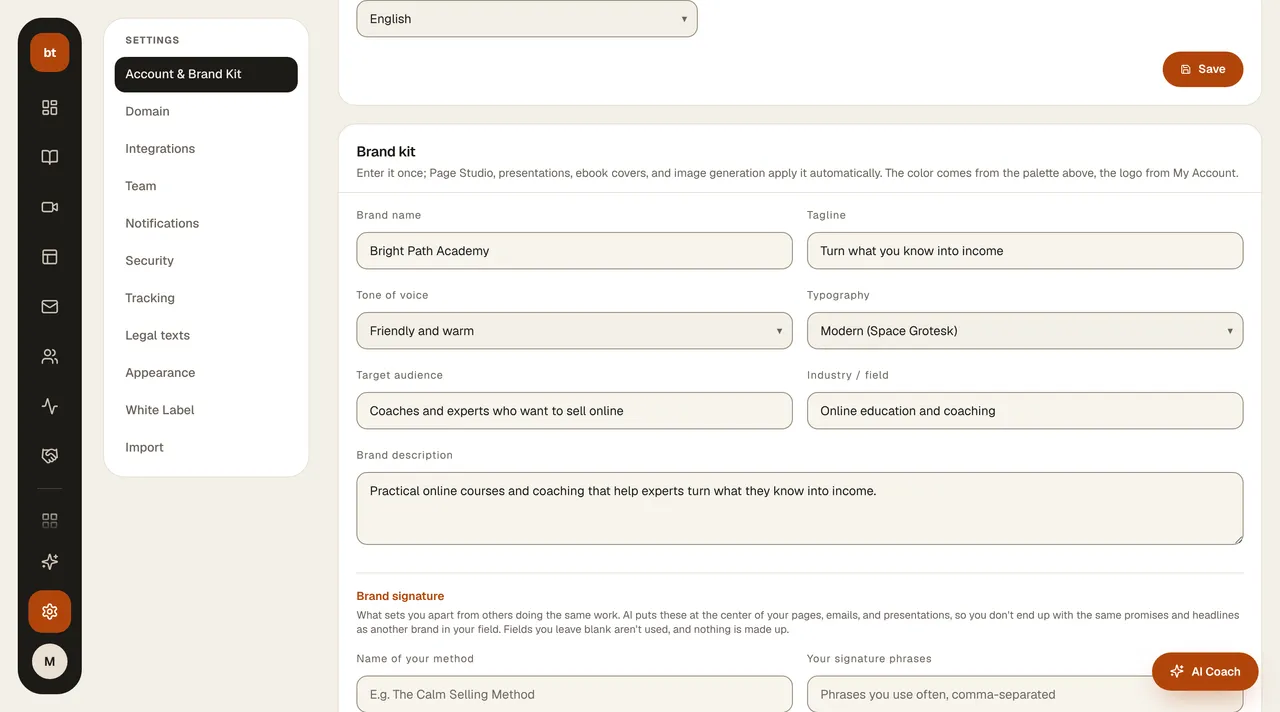
| Field | Where it is used |
|---|---|
| Brand name, tagline | Page titles, email sender name, portal, tab title |
| Logo (uploaded from My Account) | Page top bar, portal, emails, certificates, ads |
| Brand color (chosen only here; shown in My Account) | Buttons, links, course page accent, design templates |
| Instructor name, title, photo, years of experience, bio | About me and instructor sections, ad quote templates, AI texts |
When you change the Brand Kit, new creations use the new information. If the instructor information on your published pages is connected with live data tags, it updates automatically; for a color change, you may need to update the page with a revision.
Photo tipUpload your instructor photo to the Asset Library. Make sure your face is clear and centered; ad templates place the text so that it doesn't land on your face.