Live data tags
Your instructor name, student count, and lesson count are filled into your page automatically.
The numbers and instructor details on your pages aren't typed in by hand; they are read from your account when the page opens (updated within a few minutes at most). That way a page never shows an outdated or made-up figure.
| Tag | What it shows |
|---|---|
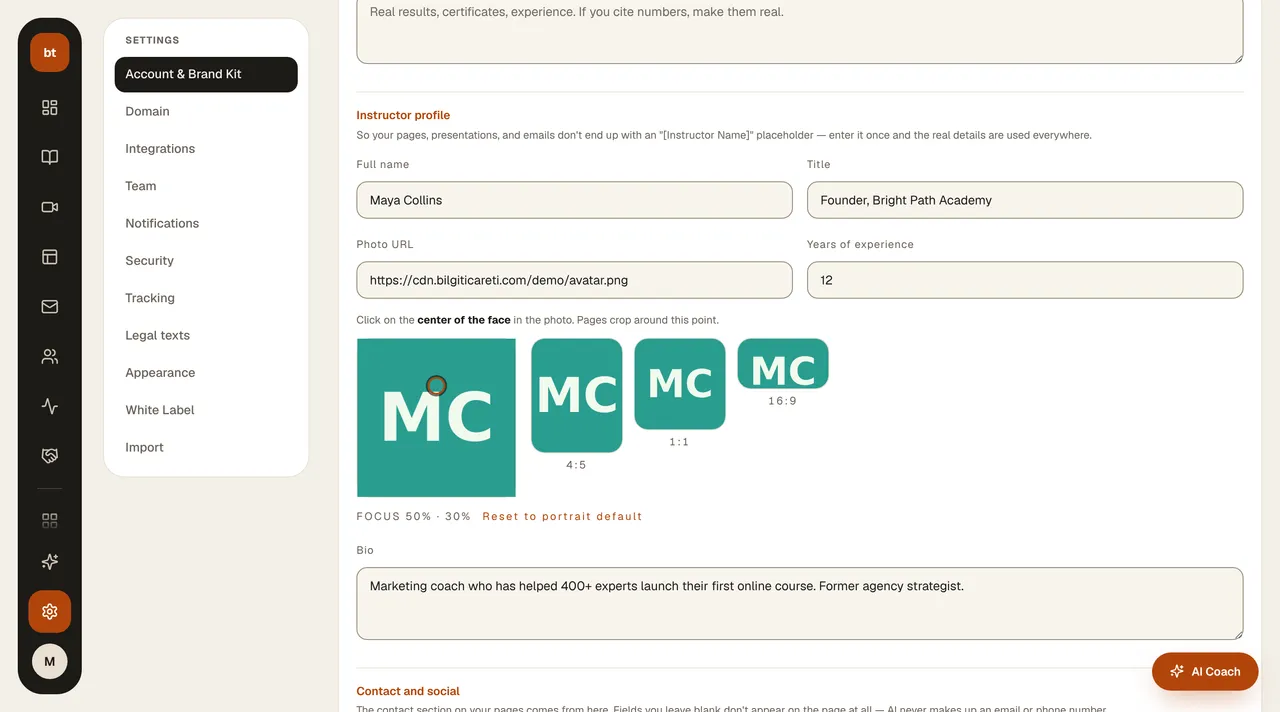
| {{egitmen.ad}} {{egitmen.unvan}} | The instructor name and title from your Brand Kit |
| {{egitmen.bio}} {{egitmen.foto}} {{egitmen.deneyim_yili}} | Bio, photo, years of experience |
| {{marka.ad}} {{marka.slogan}} | Brand name and tagline |
| {{kiraci.ogrenci_sayisi}} | Your total number of students |
| {{kiraci.kurs_sayisi}} {{kiraci.ders_sayisi}} | Your number of courses and lessons |
| {{kurs:slug.ad}} {{kurs:slug.ders_sayisi}} | The name and lesson count of a specific course |
| {{kurs:slug.sure_saat}} {{kurs:slug.ogrenci_sayisi}} | The course duration and student count |
Hiding small numbers
When a number is still small, you may not want to show it. If you write {{kiraci.ogrenci_sayisi|min=10|yoksa=Yeni açıldı}}, “Yeni açıldı” is shown while the number is under 10. Replace that fallback text with your own wording, for example “Just launched”.
You update the instructor details under Settings › Account › Brand Kit › Instructor Profile.