Asset Library: your files
Keep your images, videos, and documents in one place and use them in every module.
The images, videos, and documents you upload and the ones you generate with AI are collected in the Asset Library. Page Studio, ebook covers, presentations, and the Setup Wizard all pick from the same library. A single file can be at most 100 MB.
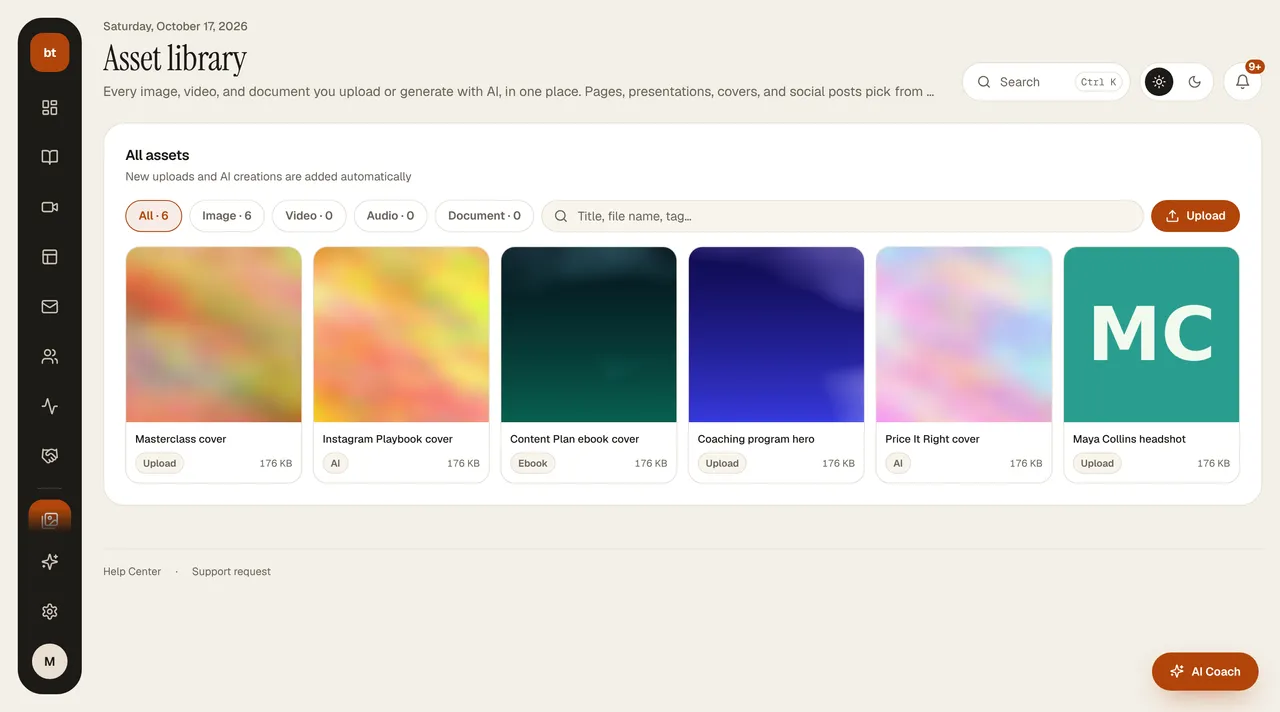
- Files are served quickly through a content delivery network.
- The space you use counts toward your plan's storage limit; you can see it in My Subscription.
- Before deleting a file, check which page it's used on; a deleted file appears blank on the page.
Security: Files containing SVG, HTML, or scripts can't be uploaded; upload logos and images as JPG, PNG, or WEBP. For direct uploads, the file size is checked against your plan's storage limit; a file that exceeds the limit is not added to the library.