Converting old block pages to the Studio
Turn a page made with the old editor into a Studio page with one click; its address is kept.
The old block editor has been retired. On pages built with that editor, you'll see a Convert to Studio button.
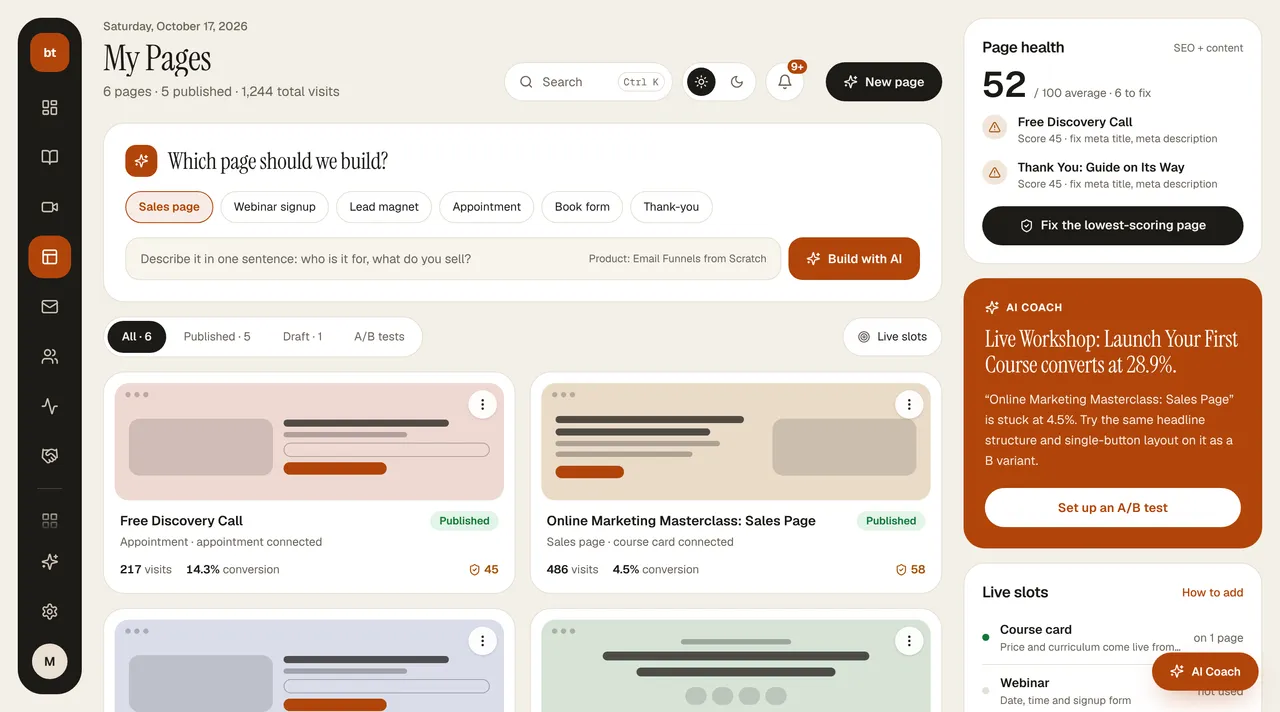
- Press the button. A new Studio page draft is created with your content preserved (7 credits).
- Check the draft and fix it with a revision if needed.
- When you press Publish, the old page's address moves to the new page. The old page isn't deleted; it stays as a draft with “-eski” added to the end of its address.
If your home page or a card in the Setup Canvas pointed to that page, it is automatically linked to the new one.