Live blocks: course card, form, appointment, webinar
The sales blocks on your page are connected live to your products; when a price or date changes, the page changes too.
The sales blocks (slots) you add to a page are not static images; they are components connected to the real products in your account.
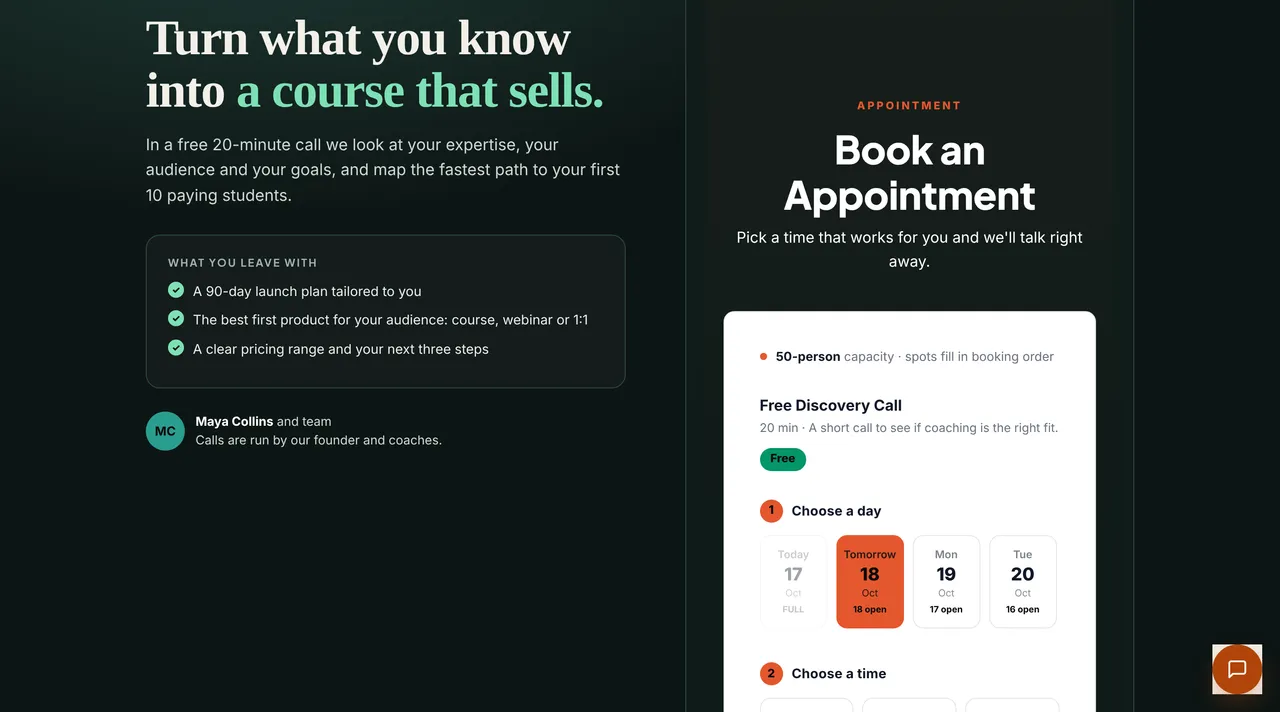
| Block | What it does |
|---|---|
| Course card | The course name, its price (shows “Free” if 0), enrollment, and payment |
| Book form | Sends the ebook in exchange for an email address and adds the subscriber to your list |
| Appointment | Shows open days and times, capacity, and booked slots |
| Webinar registration | The date, a registration form, and KVKK (Turkish Personal Data Protection Law No. 6698) consent; after registering, the lobby link |
| Pricing | Product prices and payment options |
To add a new block, just type something like “add an appointment block under the prices” in the revision box.