I can't accept payments
If card payments are failing.
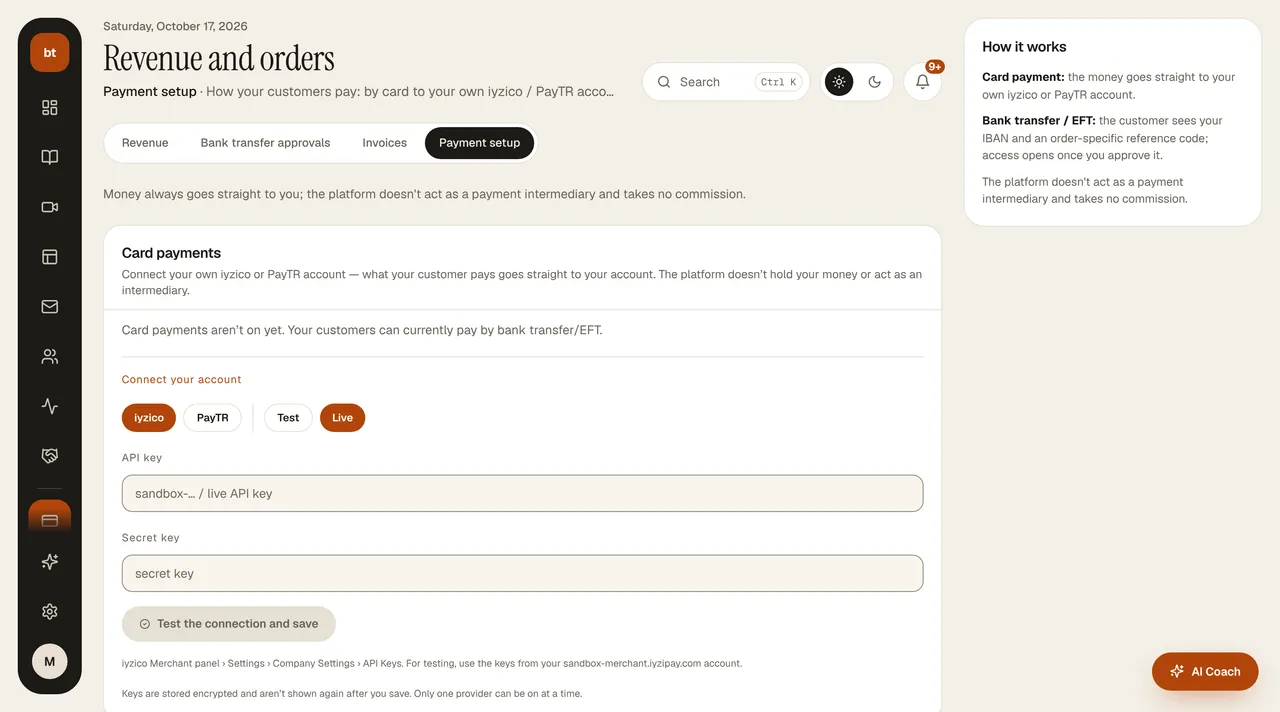
- In Revenue & Payments › Payment setup, check that the provider shows Connected (the status of all connections is also visible in Settings › Integrations).
- Are you in the provider's test mode? Real cards aren't charged in test mode.
- Make sure your merchant account has been approved and the live keys have been entered.
- As a temporary workaround, turn on the bank transfer option; you won't lose sales.