Emails aren't being sent or are going to spam
Five things to check.
- Is the automation on? Automations that were migrated or newly set up may start turned off.
- Is the series tied to a rule? A series that isn't tied to a rule is sent to no one.
- Is the filter correct? A product or source tag filter may be leaving out the person you expect.
- Does the person have consent? Marketing emails are not sent to people who haven't given commercial message consent or who have unsubscribed.
- Sender address: if your domain isn't verified, emails are sent from
yourbrand@bilgiticareti.com; this is normal and protects deliverability.
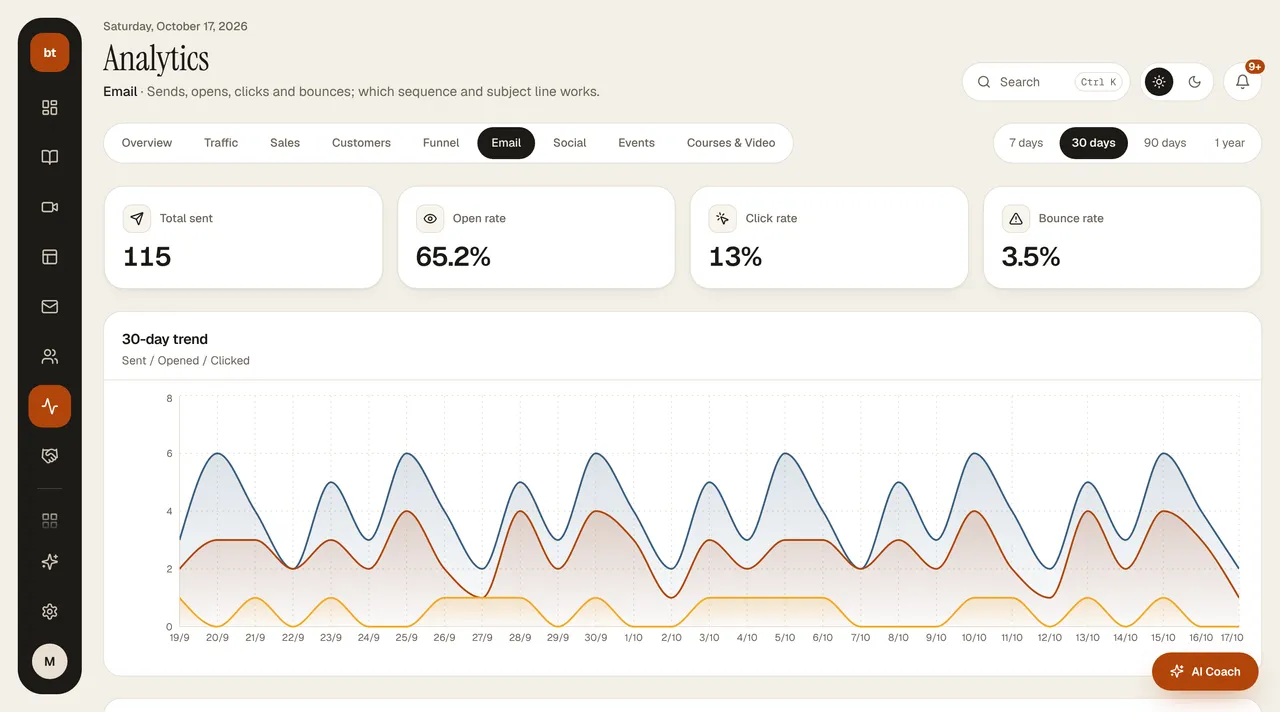
You can see send, open, click, and bounce rates in Analytics › Email. If the problem continues, ask the assistant or write to support.