Multiple brands, team members, white label
Switching between brands, closing a brand, subdomain rules, team, unbranded appearance.
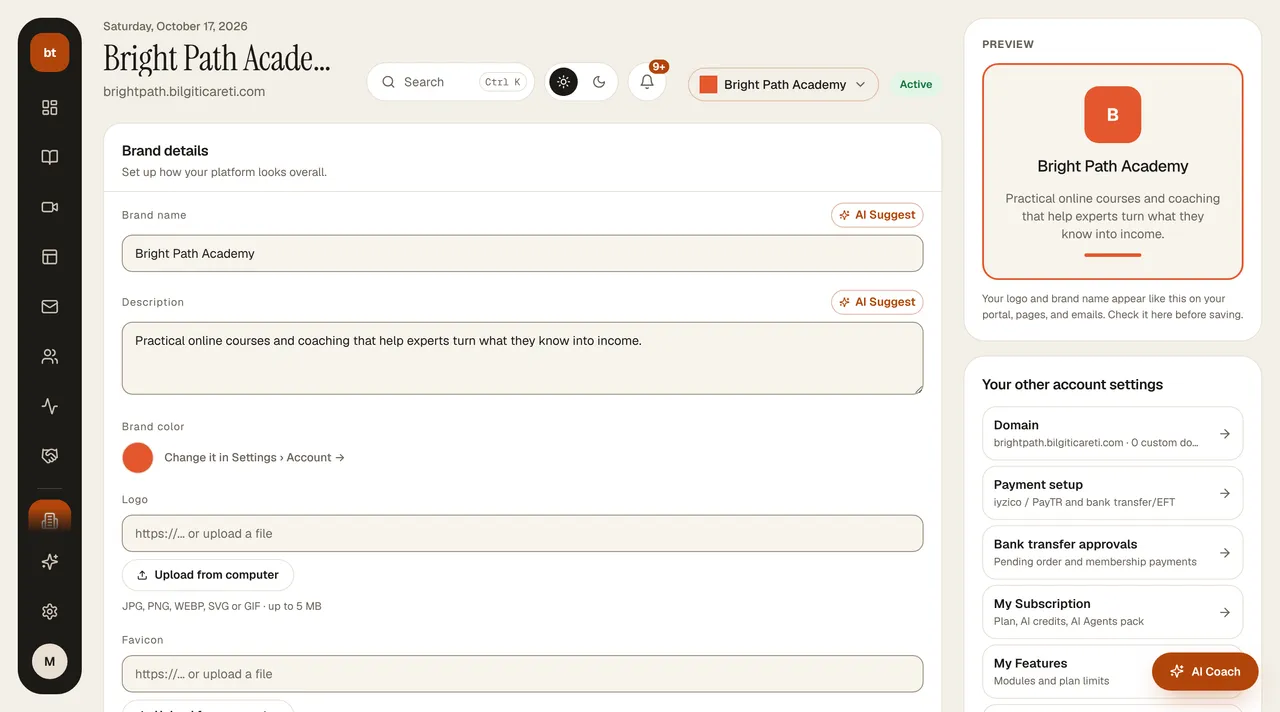
- Brands: if your plan allows, you can open multiple brands; use the brand selector at the top of the My Account page to switch between brands and open a new brand. The brand you select applies across the whole dashboard: pages, domains, bank transfer/IBAN details, revenue, emails, AI Studio, chatbot, certificates, and credits belong to that brand. A change you make in one brand does not affect the others; check the brand name at the top before you act.
- Team: you invite team members from Settings › Team; for roles and permissions, see Team members and permissions.
- White label: on the Profesyonel and Kurumsal plans, the Bilgi Ticareti brand can be hidden in the areas your students and visitors see. In Settings › White Label you set the email sender name and address, the “Made with Bilgi Ticareti” text, and the login page footer and background; the preview on the right shows the login page and the sender line as you type. If your own domain isn't verified, emails are sent from the brand's bilgiticareti.com address and replies go to your address.
Closing a brand
Press the trash icon next to the brand in the brand selector. You'll see how many active students, courses, pages, and subscribers will be affected; type the brand name to confirm.
- The school's site closes immediately, and visitors see a “School closed” page.
- Your active students receive an informational email under the school's brand, and membership renewals stop.
- If your platform subscription is tied to this brand, it moves to your other open brand.
- Within 30 days, you can bring everything back by choosing Restore under Closed brands below the brand selector (student memberships do not restart automatically). When the period ends, the brand's pages, courses, subscribers, files, and videos are permanently deleted; sales and invoice records that must be kept by law stay in the archive.
- A closed brand does not count toward the plan limit. You can't close your last open brand; to leave entirely, delete your account.
Subdomain rules
- A subdomain (for example happycoaching.bilgiticareti.com) can be used by only one school.
- So students don't get confused, a lookalike that differs by a hyphen or digit can't be taken either: while happycoaching exists, happy-coaching and happycoaching2 are not given out.
- The platform's own names and technical names (www, admin, akademi, yardim…) are reserved.
- If you change your subdomain, the old address redirects to the new one for 180 days, and no one else can take it during that time. The address of a school that is closed and deleted is also not given to anyone for 180 days after deletion.