Email notifications
Choose which events send you an email.
In Settings › Notifications you can turn each of these emails on or off individually:
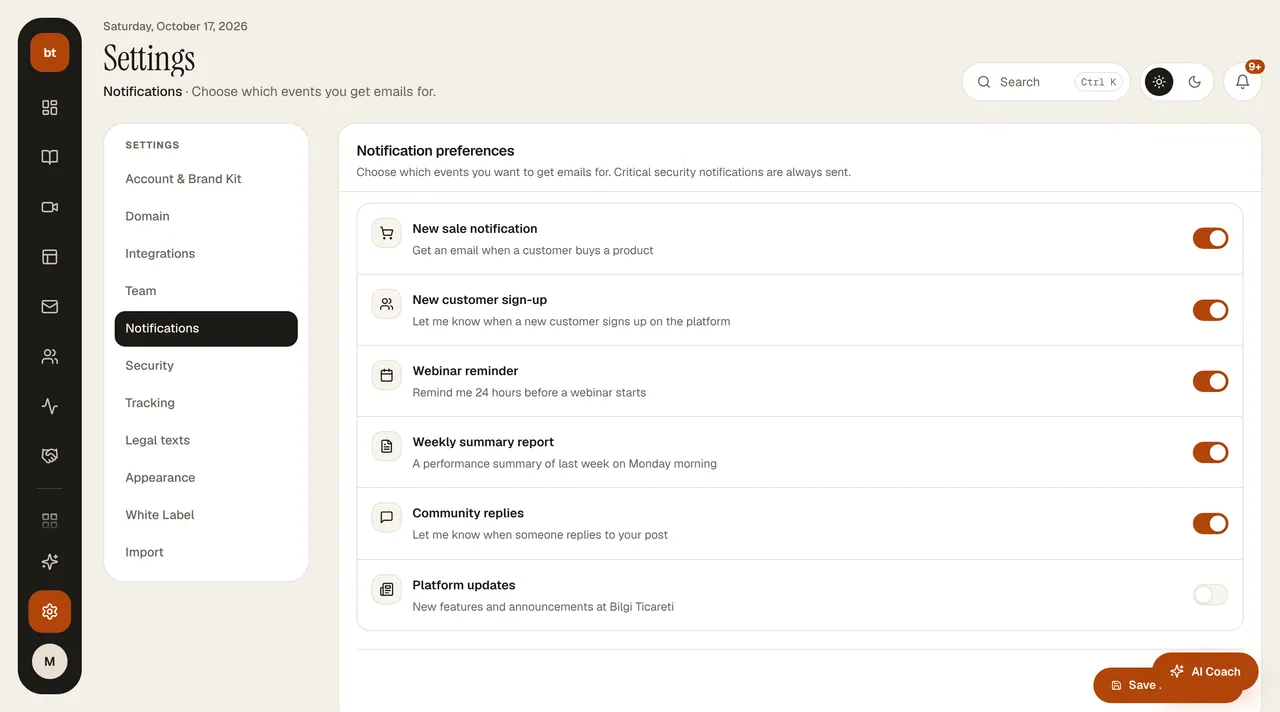
- New sale notification: when a customer buys a product.
- New customer signup: when someone new signs up on your site.
- Webinar reminder: 24 hours before your webinar starts.
- Weekly summary report: last week's performance, every Monday morning.
- Community replies: when someone replies to your post in the community.
- Platform updates: new features and announcements from Bilgi Ticareti. Off by default.
Even if you keep email turned off, you won't miss new features: the last 14 days of updates appear in the notification bell at the top right of the dashboard, and all of them are on the What's new page.
Critical emails about security, passwords, and payments are always sent regardless of your preferences. For your customers' own notification preferences, see Portal profile.