Account security, password, and two-step verification
Password reset, two-step verification, suspicious access.
- Forgot my password: request a reset email from the link on the sign-in screen. The link is valid for a short time.
- Strong password: choose a password of at least 12 characters that you don't use anywhere else.
- Don't give your password to team members: invite each person with their own account; their activity is tracked separately.
- Suspicious access: change your password right away and write to destek@bilgiticareti.com.
Two-step verification
Turn on two-step verification so that even if your password is stolen, your account can't be accessed without your phone:
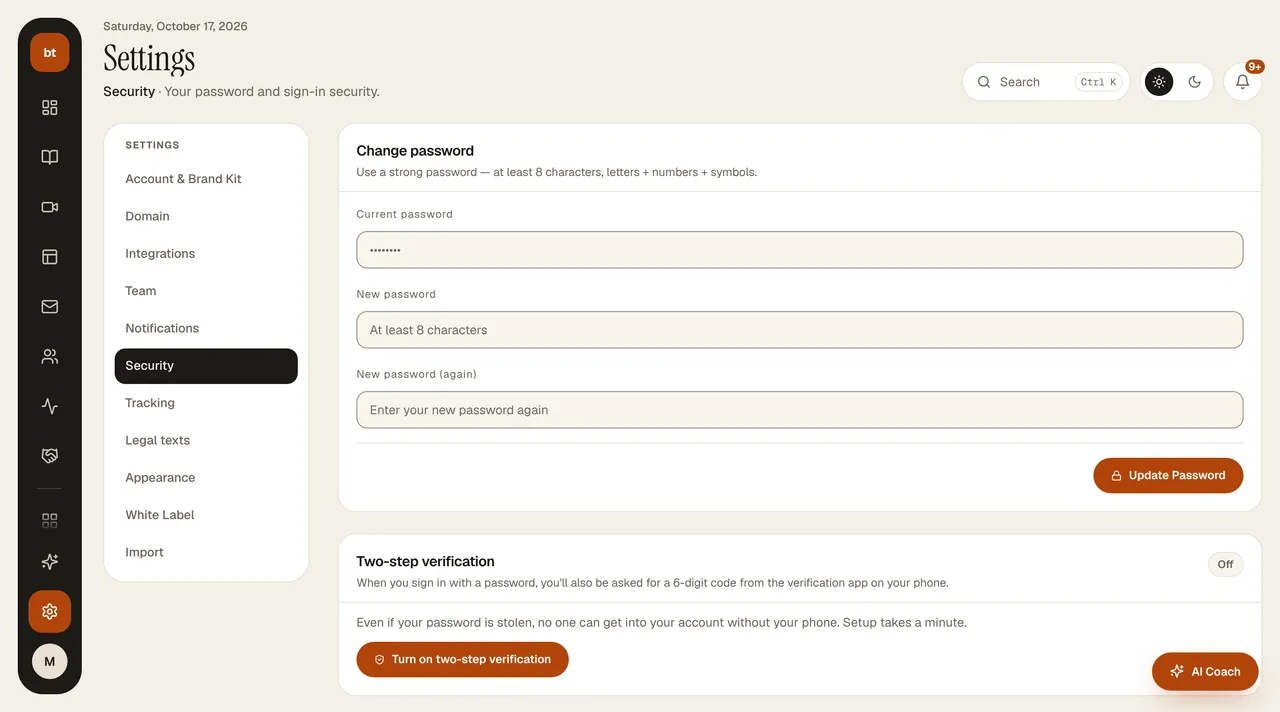
- In Settings › Security, click Turn on two-step verification.
- With the authenticator app on your phone (Google Authenticator, Microsoft Authenticator, 1Password, etc.), scan the code on the screen or enter the key manually.
- Type the 6-digit code shown in the app and click Confirm and turn on.
- Save the 8 recovery codes that appear in a safe place. These codes are not shown again; if you can't reach your phone, each one can be used once to sign in.
When it's on, a 6-digit code is also requested at every sign-in with a password. A valid code is required to turn it off or to generate new recovery codes. When you sign in with Google, your Google account's own verification applies.
Phishing warningBilgi Ticareti will never ask you for your password, payment keys, or AI key by email or message.