Approving a bank transfer order
Check orders paid by bank transfer and open access.
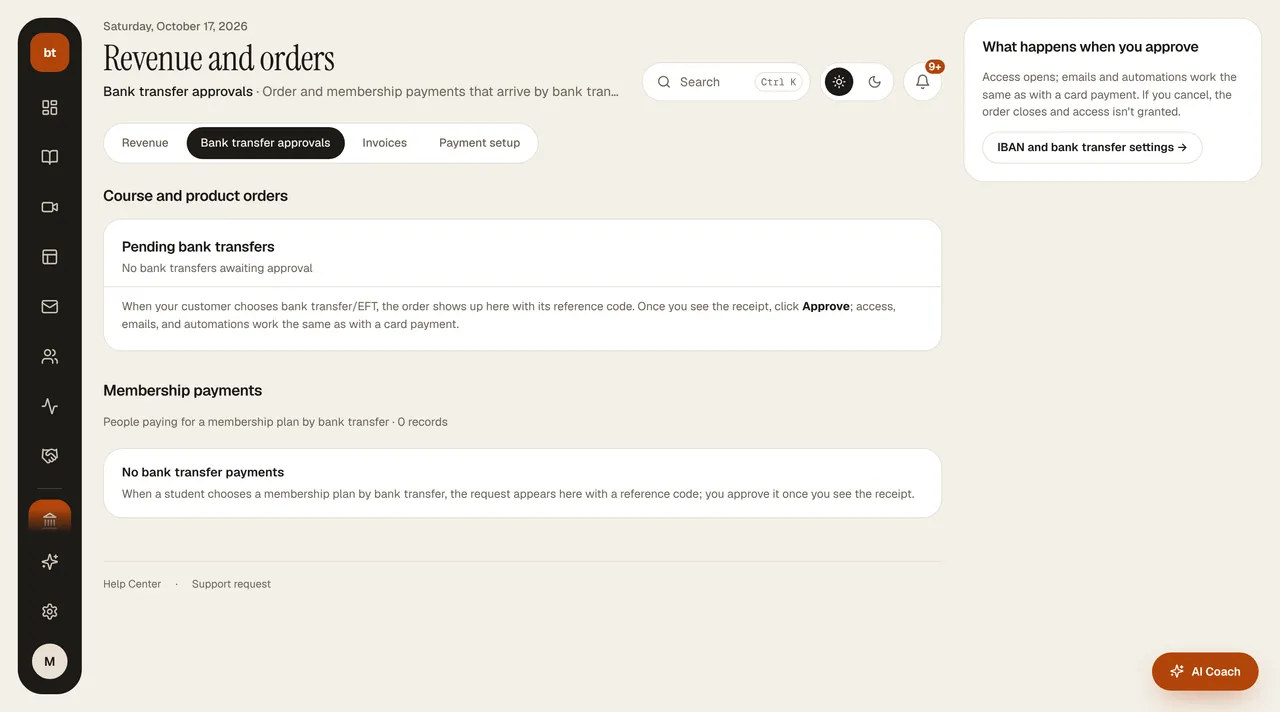
- When a customer chooses bank transfer, the order is created with the status “awaiting payment”; an email with the IBAN and payment reference is sent to the customer.
- When you see the payment in your bank account, on the Revenue and orders › Revenue screen press Received on the Pending transfers card on the right, or find the order in Revenue and orders › Bank transfer approvals (membership transfers are there too) and press Confirm payment.
- Along with the approval, portal access opens, a “your registration is received” email is sent, and your
purchaseautomations are triggered.
Matching tipAsk the customer to put the order number in the transfer description. When there are several pending orders, this is how you find the right person.