How a sale works
From the checkout page to the thank-you page and automations.
- The visitor enters their details in the checkout box on the sales page and accepts the distance sales agreement and the pre-information form.
- The card payment is completed with your payment provider, or a bank transfer order is created.
- Once the payment is verified, the person becomes a customer, portal access is opened, and a “Payment received” transactional email is sent (“Registration received” for free sign-ups).
- The thank-you page (and the upsell, if there is one) is shown.
- The
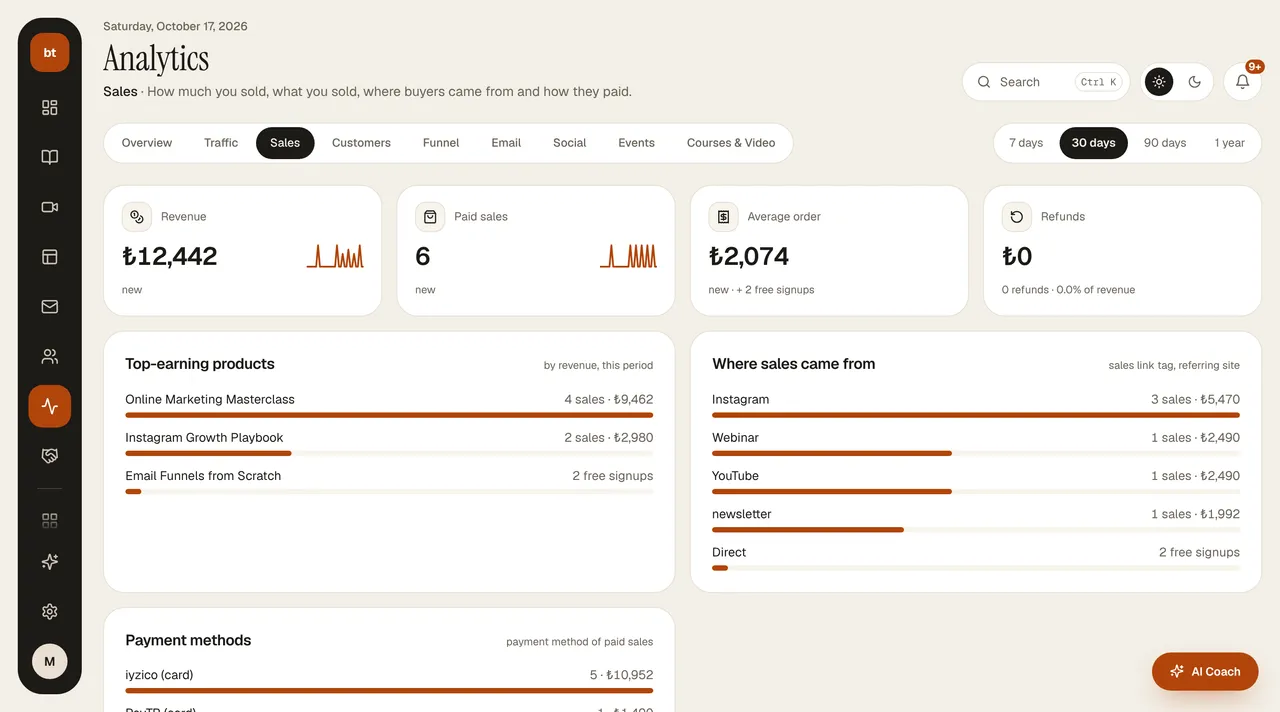
purchaseevent fires: welcome series and tags run, and the sale is recorded in Analytics and in reports along with its source.
A free course enrollment goes through the same path and fires the same event.
Abandoned payments: buyers who start a payment but don't complete it are listed in the Revenue › Abandoned payments card; a reminder email that returns them to the checkout page is sent one hour later. The reminder is sent only to buyers who have given commercial message consent; those without consent appear in the card as "no consent".