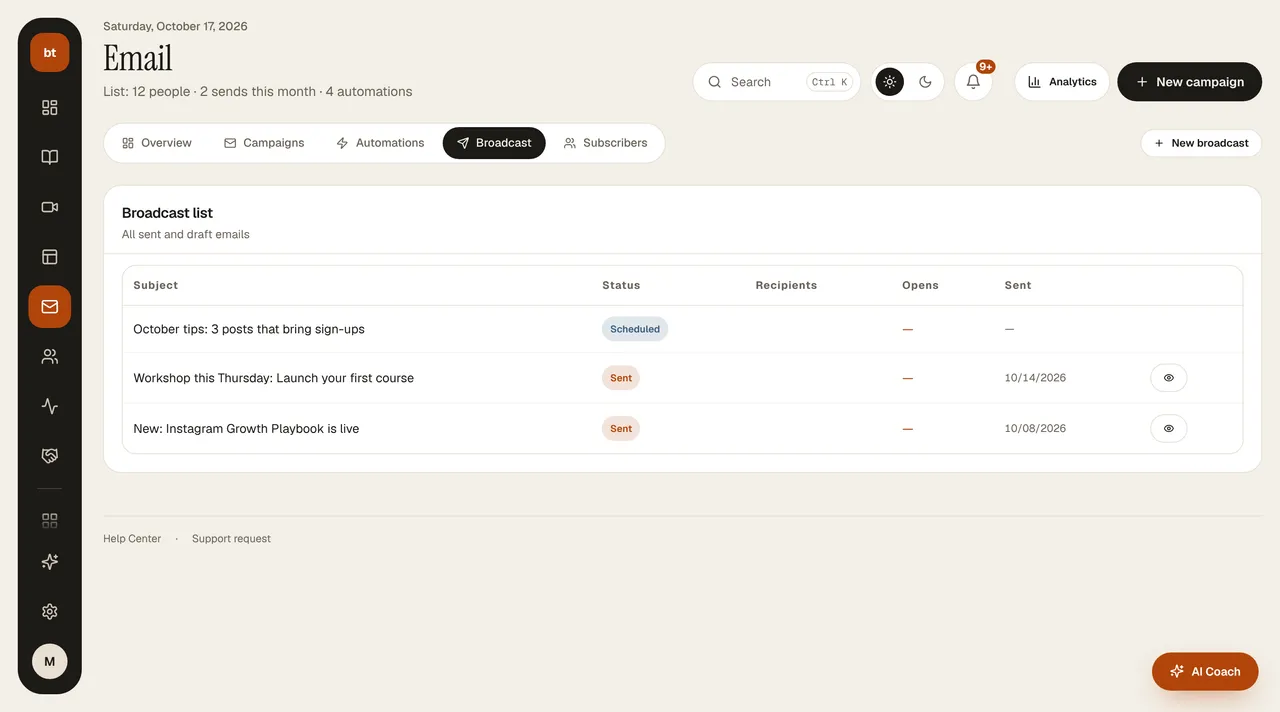
Sending an announcement (one-time email)
Send a newsletter, campaign, or news to your whole list or to a tag.
- Create a new announcement in Email & Automation › Broadcast › New Broadcast.
- Write the subject and content; if you like, add a button or schedule the send for a later time. The email appears ready in your brand colors.
- Recipients: all subscribers or a single tag (for example, only the “webinar” list).
- Type your own address in the test box and press Test; the email looks to the subscriber exactly as it looks to you. Then press Create and Send and confirm the send.
Announcements are marketing emails: they go only to people who have given commercial message consent and haven't unsubscribed, and each one has an unsubscribe link at the bottom. You see the results in Analytics › Email.