Customers and CRM
Every person's full history on one card: signups, purchases, appointments, emails.
The Customers screen gathers your students, clients, and people from forms into one list; for lead tracking, use the Customers › CRM & Leads tab (Lead Pipeline and Segments). Customers › All contacts shows your customers, email subscribers, and leads in a single list: the same email is a single row, and you can see which lists they're on and their subscriber tags; you can filter by type or tag. Customer count, monthly growth, and lead-to-customer conversion are in Analytics › Customers.
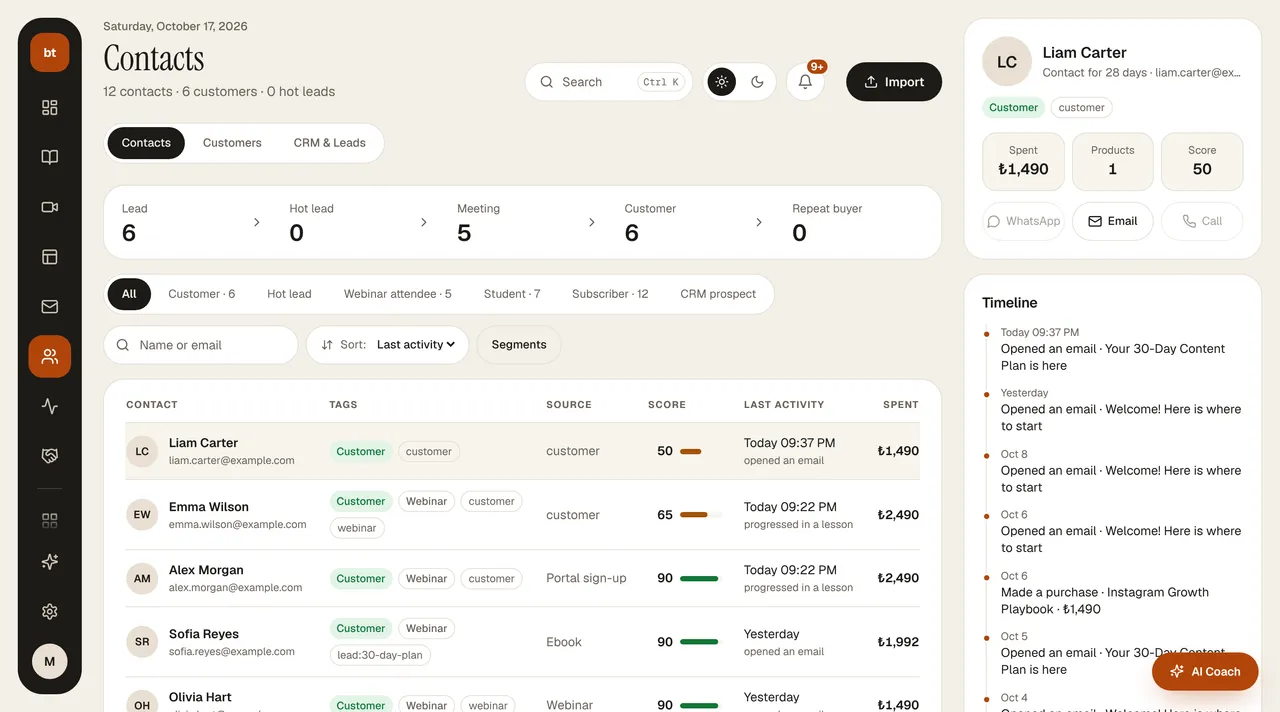
- Source badge: shows how the person came to you (ebook form, page form, manually added, etc.). In Details you see the person's information and notes.
- Tags: you tag email subscribers in Email & Automation › Subscribers (including bulk tagging) and use them as a filter when sending a Broadcast.
The student count consists only of people who have made a purchase or enrolled in a course; people who are only subscribers are not counted toward the student count in your plan limit.