Earning with your referral link (for customers)
Recommend your instructor's products and earn a commission on every sale.
If you liked a course or service you bought, you can recommend it to friends through your instructor's affiliate program and earn.
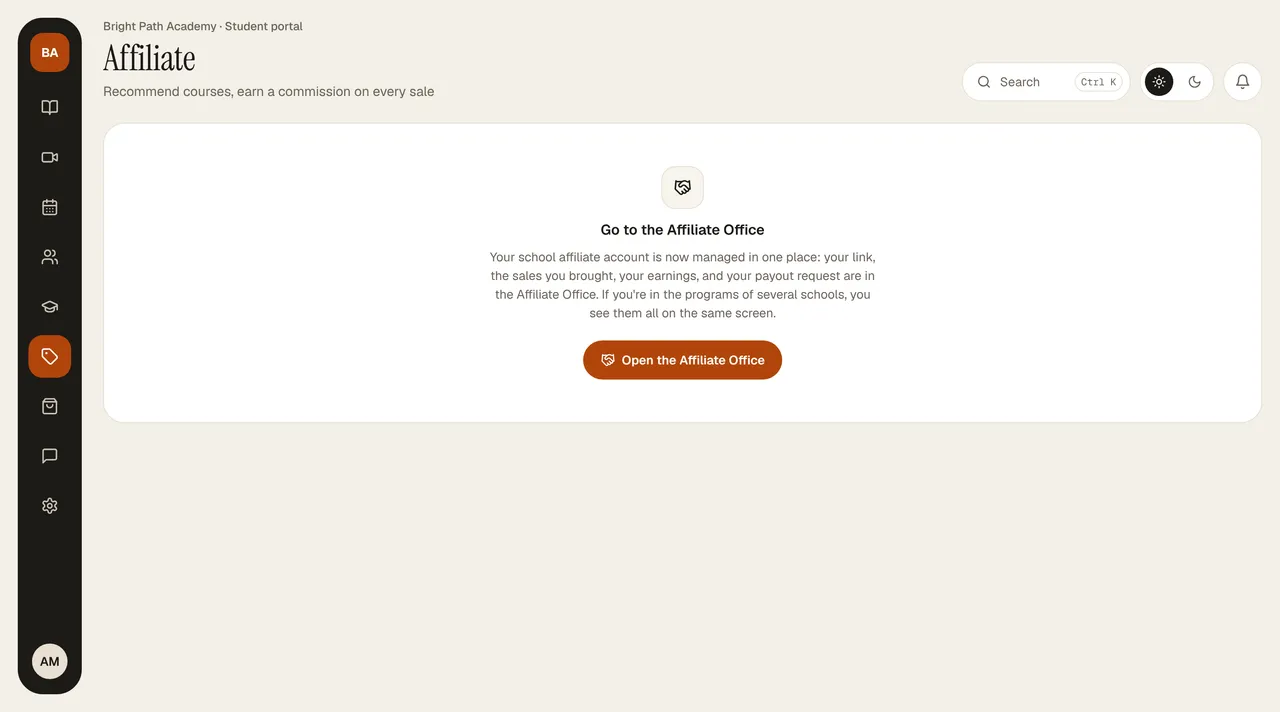
- Open Affiliate in the portal and press Create my link. (If it says “Affiliate program is off,” your instructor hasn't turned the program on yet.)
- In the Link builder, choose which page to share: the school's home page or a course's sales page. Your link is prepared below; send it with Copy, WhatsApp, Email, or Share on a phone. Your code is shown on the right.
- If the person who clicks the link buys within 30 days, your commission appears as Pending in the Commission history on the right, and becomes Approved when the refund period ends. Your rate is shown under the heading.
Metrics at the top: Withdrawable balance, Total earnings, Sales, and Pending commission. If the instructor has set reward tiers, the green Goal banner shows how many sales are left and the bonus.
- No commission is credited on your own purchases.
- If a sale is refunded, that commission becomes “Refunded · reversed” and is deducted from your balance.
- To request your earnings: Requesting your earnings.