Requesting your earnings (affiliate payout)
Minimum amount, IBAN, and request statuses.
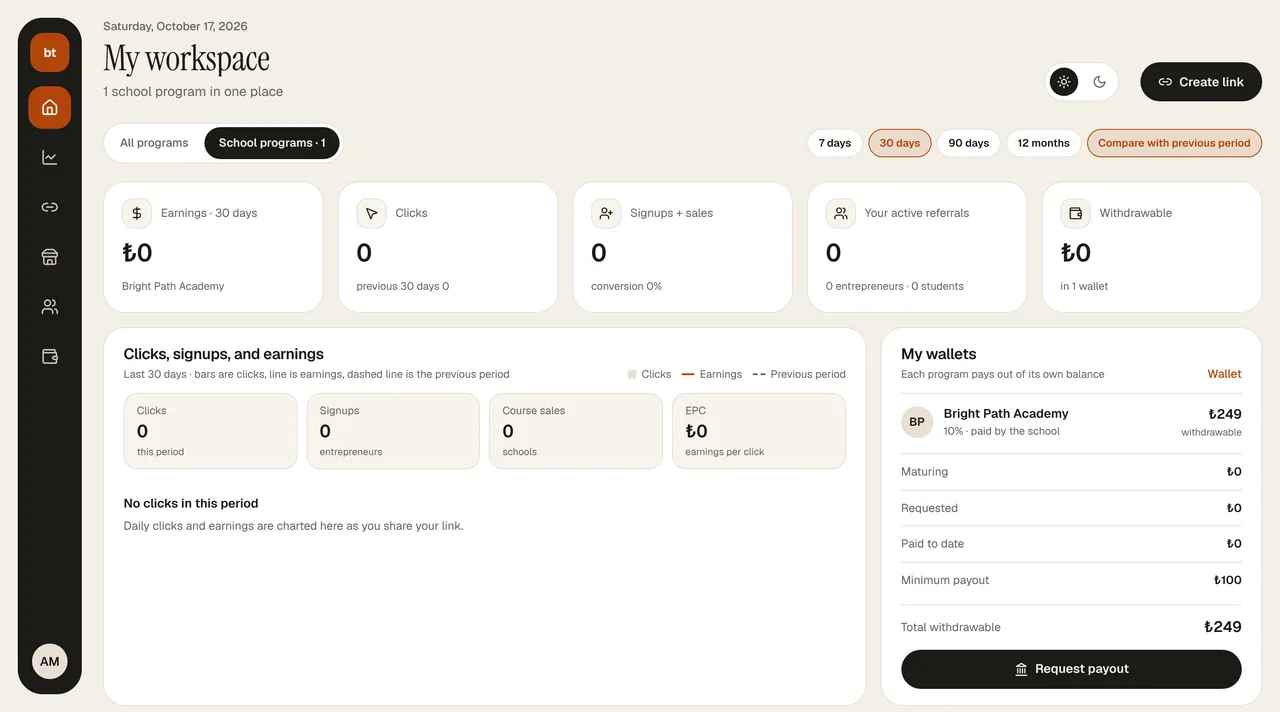
- In the portal, under Affiliate, click Request payout in the header (or on the Payout details card on the right, Request payout · amount). The button becomes active when your balance is at least ₺100.
- In the window that opens, enter the amount, your IBAN (26 characters starting with TR), the account holder's name, and, if you like, the bank; click Send request.
- You get an email when the request is approved; its status moves from Pending → Approved → Paid (or Rejected). The IBAN you last used appears masked on the Payout details card.
- Withdrawable balance = total earnings − the commission of the last 14 days (pending for the refund period) − paid requests − pending/approved requests.
- The payout is made by the instructor, not the platform; you can write to your instructor about timing and terms.
- The commission on refunded sales is deducted from your balance.