Appointment emails and reminders
All notifications sent to your client and to you.
| When | To whom |
|---|---|
| Appointment booked / confirmed | The client (with an add-to-calendar file and a Google Calendar link) and you |
| 24 hours and 1 hour before | The client (with the room link) |
| Marked Completed / No-show | The client; the related automation also fires |
| Canceled or declined | The client; and you too if the client canceled |
From their own personal appointment page, the client can enter the room or cancel their appointment and choose a new time. The link to this page is sent only to the client's email; it is not shown on screen in the form.
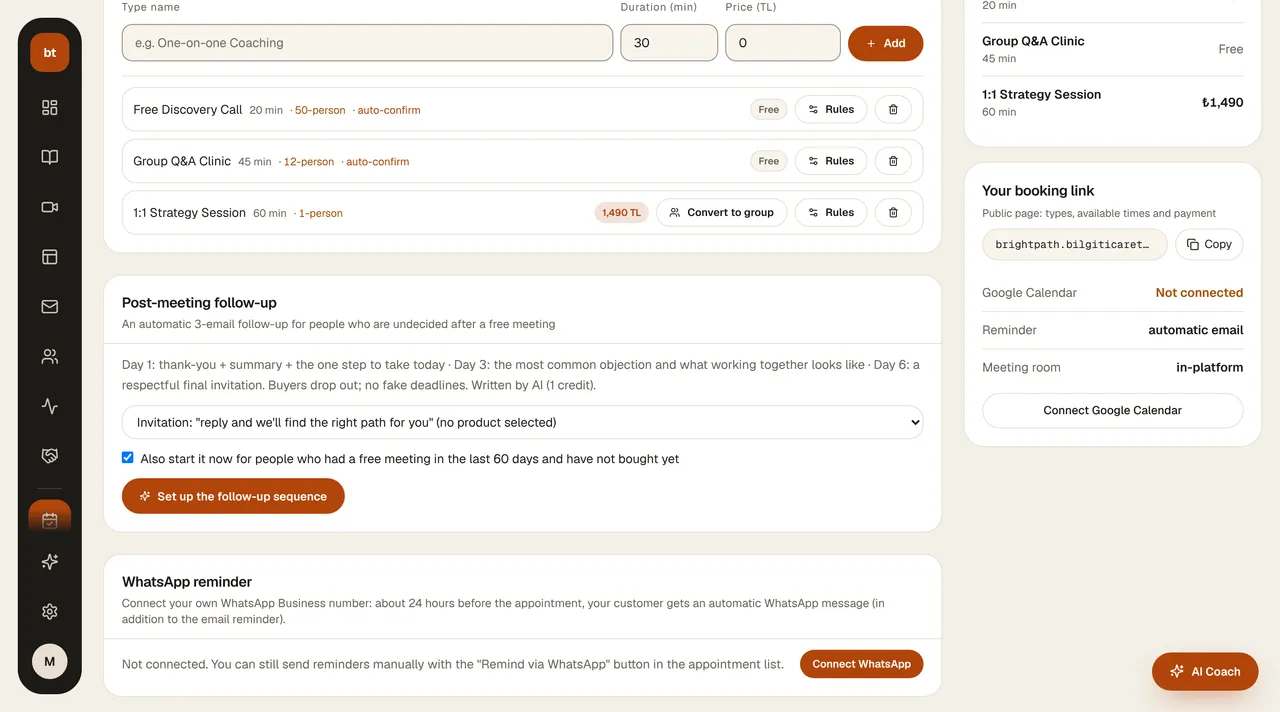
WhatsApp reminder: a client who enters their phone number in the appointment form checks a separate box to receive reminders on WhatsApp. No WhatsApp message is sent to someone who doesn't check the box; messages are sent only for confirmed appointments, from your connected WhatsApp Business number.