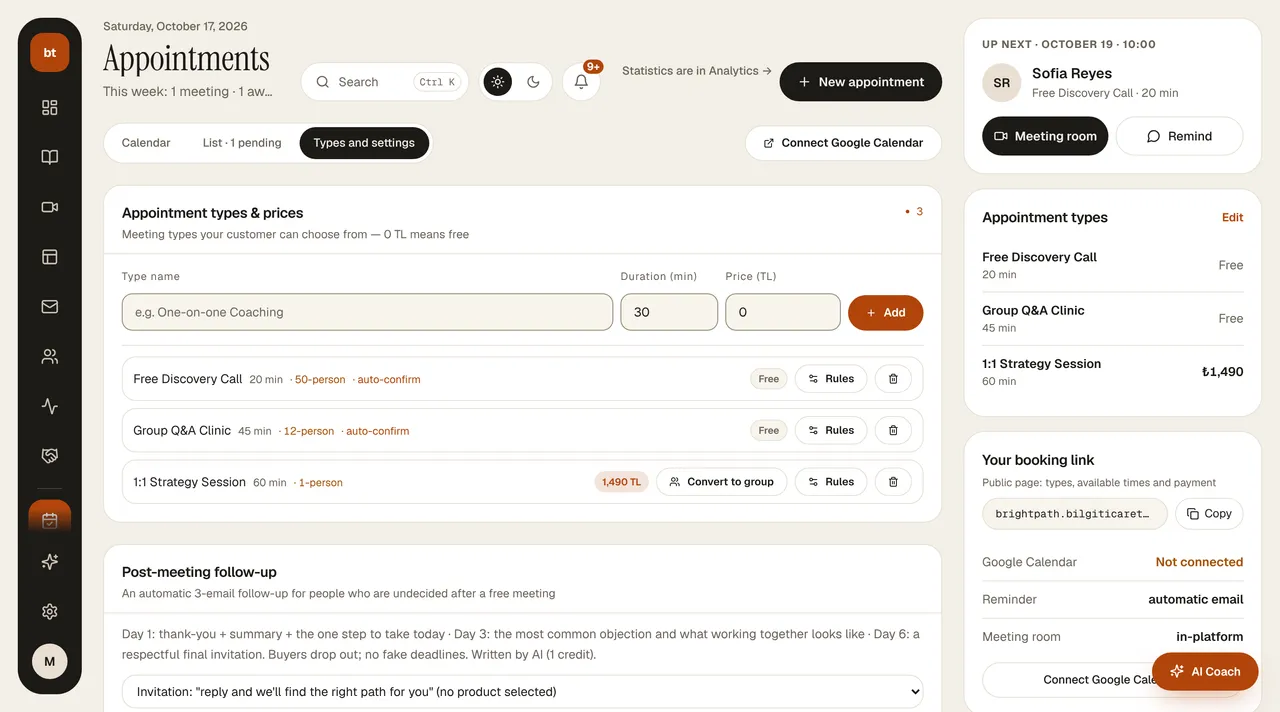
Google Calendar connection
Your busy hours are blocked automatically on the booking page.
- Connect your account in Appointments › Connect Google Calendar.
- Busy hours on your calendar appear as unavailable in the booking area.
- Confirmed appointments are added to your calendar.
Your calendar content (event names, attendees) is not read; only busy/free information is used.