Funnel: tracking steps and people who drop off
How many people are lost at which step from visit to sale, and automatic emails to those who drop off.
The Funnel screen counts the steps in a flow in order: e.g., book page view → subscriber → book download → appointment booking. At each step, you see how many people continued and where they dropped off.
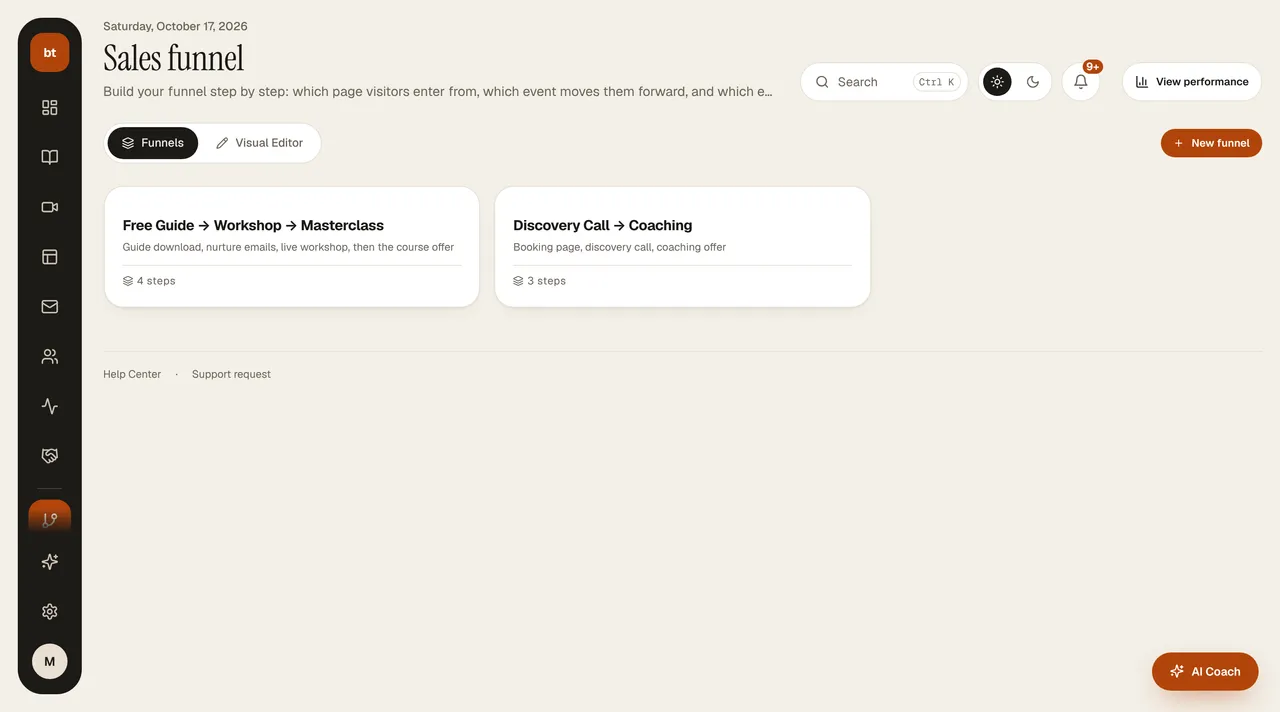
- In Marketing & Sales › Funnel, create a new funnel and choose the steps (page view, sign-up, download, appointment, purchase). In the Visual Editor tab, you can change the order of the steps.
- Follow the results in Analytics › Funnel: the biggest drop between steps is where you should focus.
- If you want, define an abandonment email for people who stay at a particular step; for example, a reminder for those who subscribed but didn't download the book.
You build the flow itself (which email goes out after which page) in the Setup Canvas; Analytics › Funnel measures its results.