Your KVKK rights: download your data, delete your account
How you and your students can access your data and have it deleted.
For your students
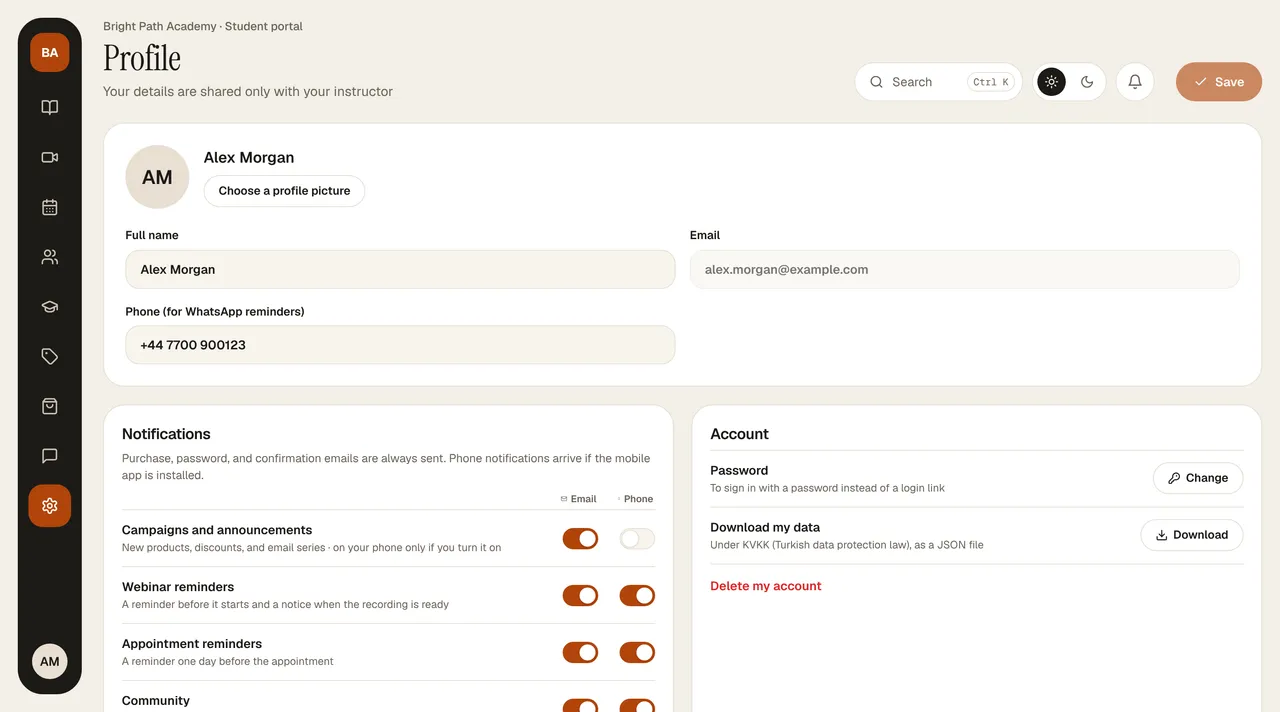
Your students can get a copy of their data from the Profile tab in the portal with Download my data, and delete their account with Delete my account. When an account is deleted, personal data is anonymized; records that must be kept by law, such as invoices, are retained for the required period.
For you
You can delete your account yourself from Settings › Security › Delete account; it can be restored within 30 days (details). You can send a request for information or correction about your entrepreneur account to destek@bilgiticareti.com. Requests are answered within 30 days at the latest. Details are in the KVKK Privacy Notice (KVKK is the Turkish Personal Data Protection Law, No. 6698).